Production Plan Volume
Production Plan Volume is the read-only production output of a Supply Plan. It shows what the engine planned or kept as firm production, before and after constraints, for each production alternative and period. It is an execution result, not an importable production master-data file.
Path in the platform
Data > Data Operations > Planning Data > SNP - Supply Network Planning > Production Plan > Production Plan - Volumes
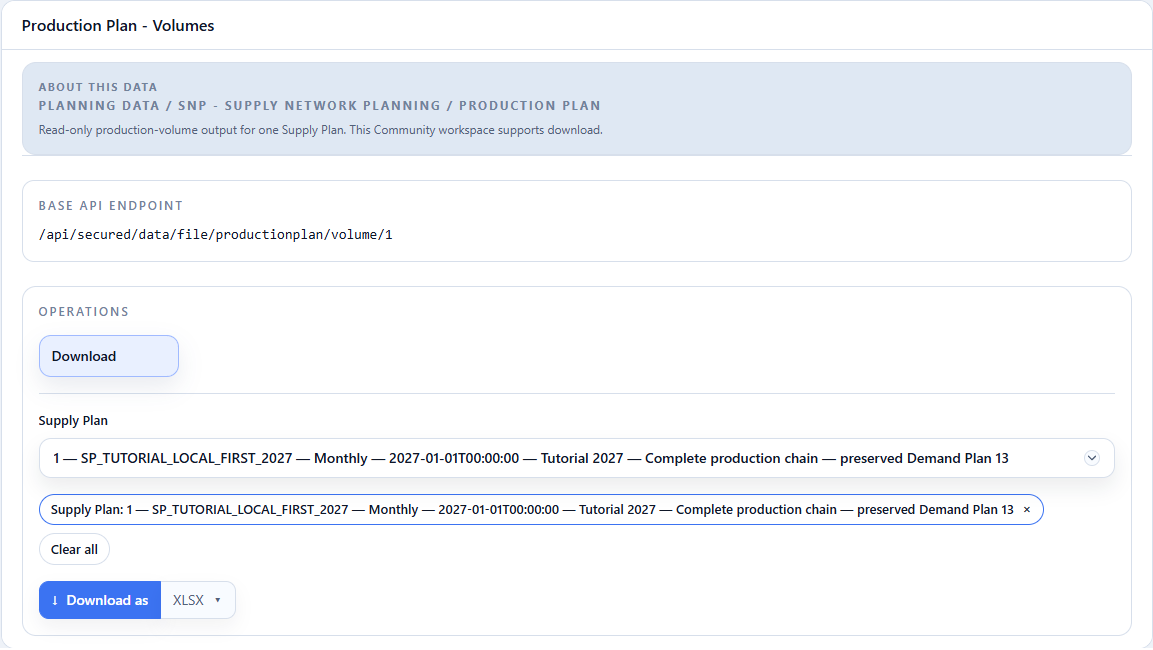
Select the Supply Plan before downloading the file. The filter is required because every row belongs to one versioned scenario.
- In Supply Plan, select the plan to inspect. The image shows the tutorial plan.
- Click Download as with XLSX selected to download the volumes for that plan.
Grain and fields
One row represents one Supply Plan + location + output material + planned date + production version + routing + bill of materials combination.
| Field | What it represents |
|---|---|
Supply Plan Id |
Supply Plan that calculated the row. |
Location Id |
Location where production is planned. |
Output Material Id |
Material produced. |
Planned Date |
Planning period of the quantity. |
Production Version Id |
Production alternative selected for the row, when present. |
Routing Id |
Routing selected for the row. |
Bill of Materials |
Bill of materials selected for the row. |
Unit of Measure Id |
Unit of the four quantities that follow. |
Unconstrained Planned Order Quantity |
Proposed production before capacity and other constraints. |
Unconstrained Firm Order Quantity |
Firm production considered before constraints. |
Constrained Planned Order Quantity |
Proposed production after constraints. |
Constrained Firm Order Quantity |
Firm production preserved after constraints. |
Default SNP Unit of Measure |
Common Supply Planning unit used for comparison. In the tutorial, set TON in Global Parameters. |
Unconstrained Total Planned Order Quantity in default SNP unit |
Unconstrained planned quantity converted to the default unit. |
Unconstrained Total Firm Order Quantity in default SNP unit |
Unconstrained firm quantity converted to the default unit. |
Constrained Total Planned Order Quantity in default SNP unit |
Constrained planned quantity converted to the default unit. |
Constrained Total Firm Order Quantity in default SNP unit |
Constrained firm quantity converted to the default unit. |
Use the native-unit columns to reconcile the selected production alternative. Use the four totals in the default SNP unit to compare quantities that were originally planned in different convertible units.
Continue with Production Plan Occupation to see how this volume becomes resource consumption, or return to the Supply Plan.