Run Demand Planning
The official run materializes a Demand Plan version. Run it after validating data, cluster membership, and the calculation parameters of every cluster pair.
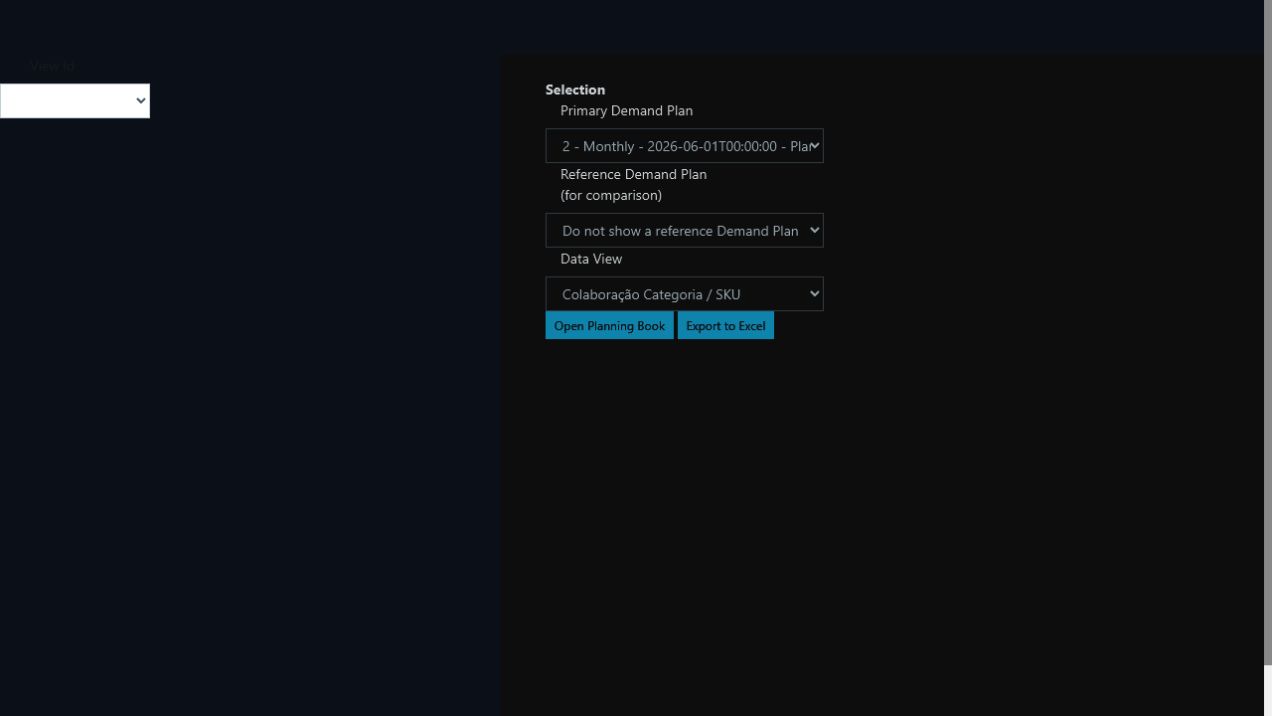
Each cycle creates an identifiable version; the data view controls how it opens for analysis or collaboration.
Select the right start date
The plan should start at the first bucket that is not closed. In a monthly process with complete sales through June, start in July. Partial July data still belongs to the forecast horizon.
Procedure
- Open Demand Planning execution.
- Select the execution profile.
- Enter a name that identifies cycle and scenario.
- Set start date and horizon.
- Confirm the historical source.
- Confirm that every cluster pair has an explicit statistical model and split.
- When Enterprise uses AutoFit, confirm the approved model promoted on the profile.
- Start the process.
- Monitor it through completion.
- Open Demand Plans and confirm the new version.
Post-run checks
- correct start and end dates;
- expected DFU population;
- no uncovered cluster;
- consistent unit of measure;
- history ending at the last closed bucket;
- baseline in future buckets;
- all warnings and rejections reviewed.
Never replace missing units, references, or required history with silent zeros.
Versioning
Distinguish a new cycle, a new scenario, and a new collaboration stage. Each has a different origin and should remain traceable.